Skool Sign Up: Free Account, Paid Plans & Step-by-Step Guide (2026)
Looking to sign up for Skool but not sure where to start? Good news: creating a member account is 100% free and takes less than two minutes. The platform distinguishes between two distinct profiles.
- Member: free sign-up, unlimited access to public communities, no subscription required.
- Creator: requires a paid subscription (Hobby plan at $9/month or Pro plan at $99/month) to host and monetize your own community.
- 14-day free trial available to test community creation with no immediate commitment.
In short: if you want to join an existing community, signing up for Skool costs you nothing. If you want to create your own and sell courses, a creator plan becomes necessary — with transaction fees among the lowest on the market (2.9% on the Pro plan).
How to Sign Up for Skool: The Process in 4 Simple Steps
Signing up for Skool is designed to be quick. Here is the complete process, whether you are a regular member or a future community creator.
Go to the Sign-Up Page
Head directly to skool.com/signup. No app download is needed to create your account: everything happens in the browser. The page is in English, but the community interface can be in your language depending on which community you join.
Enter Your Basic Information
Skool asks for your email address, a password, and a username. You can also sign in with your Google account for even faster setup. No credit card is required at this stage for a standard member account.
Confirm Your Email Address
A confirmation email is sent to the address you provided. Click the validation link to activate your account. This step is mandatory: without confirmation, you will not be able to join any community or interact on the platform.
Join or Create a Community
Once logged in, you can explore available communities at skool.com/discovery, join those that interest you (free or paid), or launch your own space if you are a creator. You get a 14-day free trial to test creation at no cost.
If you already have an account and are looking to log back in, check out our dedicated page on signing in to your Skool account to quickly recover your access.
Free or Paid Sign-Up? What Skool Doesn't Tell You Clearly
The distinction between a free and a paid Skool sign-up is often a source of confusion for new users. Here is the reality, straight up:
- Being a member (joining existing communities) = always free, with no limit on the number of communities.
- Joining a paid community = you pay the subscription set by the creator (e.g., $25 for a yoga course, or $19.95/month for a niche community). That amount goes to the creator, not to Skool.
- Creating your own community = a monthly Skool subscription is required (Hobby or Pro plan).
One commonly misunderstood point: when a user says "I have a $19.95/month subscription," they are generally referring to a subscription to a community created by a third party — not to Skool itself. To cancel a Skool community subscription, the process is done in your account settings under the "Subscriptions" tab.
Skool Plans Comparison for Creators in 2026
If you want to create your own community or sell an online course through Skool, you will need to choose between two plans. Here is the full comparison:
| Feature | Hobby Plan — $9/month | Pro Plan — $99/month |
|---|---|---|
| Members | Unlimited | Unlimited |
| Hosted Videos | Unlimited | Unlimited |
| Live Events | Unlimited | Unlimited |
| Custom URL | ✅ Included | ✅ Included |
| Analytics | ✅ Included | ✅ Included |
| Transaction Fees | 10% | 2.9% |
| Free Trial | 14 days | 14 days |
| Ideal For | Beginners, concept validation | Active creators with steady revenue |
For comparison, transaction fees charged by the main competing platforms are significantly higher: Discord at 16%, Patreon at 14%, Circle at 7%, Stan at 6%. At 2.9% on the Pro plan, Skool positions itself as one of the most cost-effective options on the market for creators generating consistent revenue.
Practical tip: if you are just starting out, the Hobby plan at $9/month is more than enough to validate your concept and welcome your first members. Once your monthly revenue consistently exceeds $1,000, upgrading to the Pro plan quickly pays for itself thanks to the reduction in transaction fees (from 10% to 2.9%, a difference of 7.1 percentage points that adds up fast).
What Review Sites Don't Tell You About Signing Up for Skool
Most content available about Skool simply explains how to create an account. Here is information that is rarely covered but essential to know before signing up.
1. The Interface Is Primarily in English — But Communities Can Be in Any Language
Skool itself is not localized beyond English. The sign-up page, settings, and system notifications are all in English. However, communities hosted on the platform can be entirely in your language. There are in fact several groups dedicated to non-English speakers, including communities for language learning, wellness courses priced in local currencies, and spaces for entrepreneurs worldwide.
2. Prices Are Displayed in Dollars — But Billing Can Happen in Other Currencies
Creator plans (Hobby at $9, Pro at $99) are displayed in US dollars. The charge on your credit card will be converted at your bank's daily exchange rate, which may cause the amount to vary slightly from month to month. Factor in a small fluctuation in your monthly budget based on USD exchange rate movements.
3. Deleting Your Account Is More Complex Than Signing Up
Signing up for Skool takes 2 minutes. Fully deleting your account, however, requires several steps: first cancel all active community subscriptions (Settings > Subscriptions), then request account deletion through your profile settings. Without canceling paid subscriptions beforehand, charges may continue even after you request deletion. This asymmetry is poorly documented and regularly causes confusion among new users.
4. You Can Join 25 Million Users Without Ever Paying
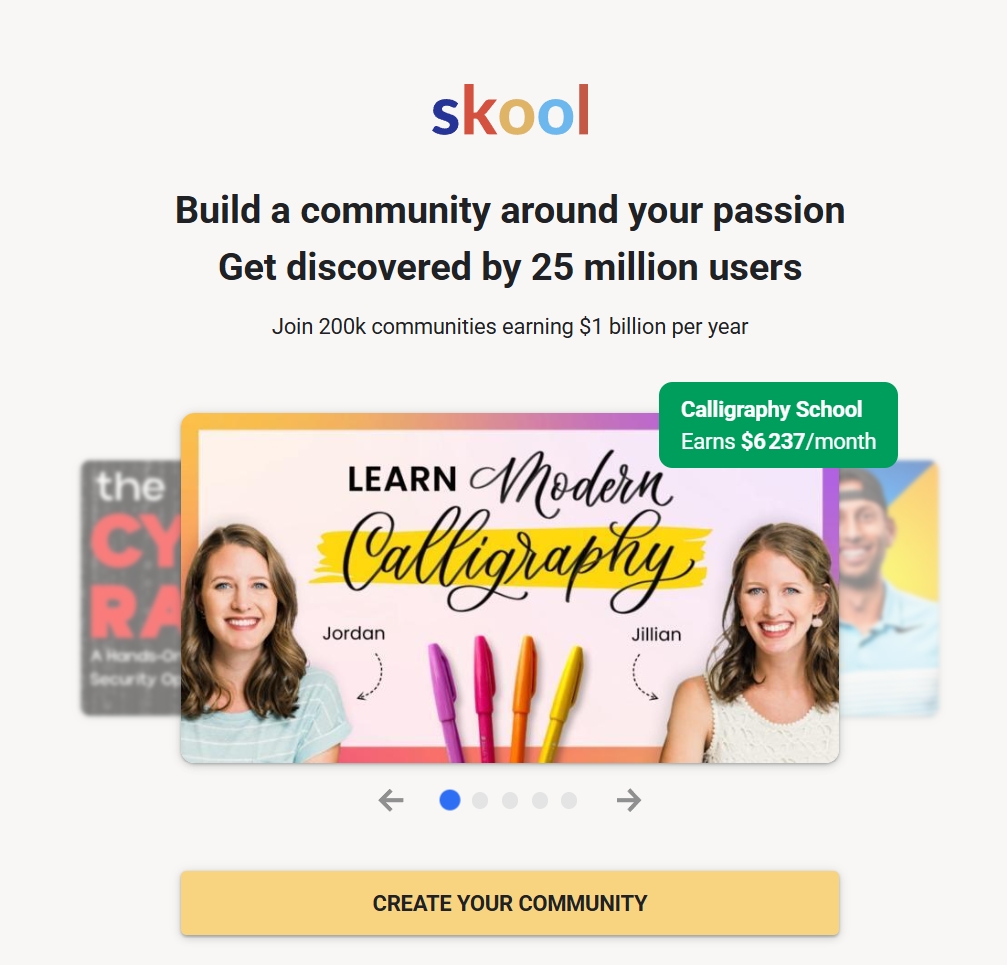
Skool boasts a user base of over 25 million members and more than 200,000 active communities, some of which generate full-time income for their creators. As a regular member, you gain access to a massive network without spending a dime — an advantage that is often underestimated compared to competing platforms that monetize access from the moment you create an account.
5. Gamification Directly Impacts Member Engagement
A distinctive feature rarely highlighted at sign-up: Skool natively integrates a gamification system (XP points, levels, leaderboards). This mechanism encourages members to actively participate in discussions and courses. For a community creator, it is a powerful engagement lever that effectively replaces manual follow-up messages.
🏆 Verdict: Which Skool Sign-Up Option Is Right for You?
Skool Sign Up: Frequently Asked Questions
By observing discussions within English-speaking Skool communities, several questions come up consistently among new members. Here are direct answers to the most common ones.
Can I sign up for Skool without a credit card?
Yes, for a basic member account, no credit card is required at sign-up. You can join free communities without ever entering your payment details. A card is only needed if you subscribe to a paid community or launch your own creator space.
Does Skool have a mobile app?
Yes, Skool has a mobile app (iOS and Android) that lets you follow your communities' activity, access courses, and join discussions. Initial sign-up can be done through the app, but creating a community is more comfortable on a desktop browser.
How do I find Skool communities on a specific topic?
Go to skool.com/discovery and type your topic of interest into the search bar. Hundreds of active communities covering a wide range of subjects are listed there, including entrepreneurship, wellness, languages, creativity, and professional development.
What happens if I want to leave a paid community?
Canceling a community subscription is managed from your account settings (Settings > Subscriptions). Access to the community remains active until the end of the period you have already paid for. No refund is automatically granted for the current period — always check the community's terms before subscribing.
Ready to Create Your Skool Account?
Sign-up is free for members. Creators get a 14-day free trial with no commitment to test all features.
Questions fréquentes
Is signing up for Skool free?
Yes, creating a member account on Skool is completely free. You can join as many free communities as you like without paying anything. Fees only apply if you create your own community (Hobby plan at $9/month or Pro plan at $99/month) or if you subscribe to a paid community created by a third party.
How do I sign up for Skool?
Go to skool.com/signup, enter your email address and a password, then confirm your registration via the link sent to your email. Skool's interface is in English, but many communities are available in other languages. To find groups on a specific topic, use the search bar at skool.com/discovery with relevant keywords.
What is the difference between the Hobby plan and the Pro plan on Skool?
Both plans offer the same features (unlimited members, videos, live events, and analytics, plus a custom URL). The key difference lies in transaction fees: 10% with the Hobby plan ($9/month) versus only 2.9% with the Pro plan ($99/month). The Hobby plan is ideal for getting started; the Pro plan becomes cost-effective once your monthly revenue consistently exceeds around $1,000.
How do I cancel a Skool community subscription?
To cancel a paid subscription to a Skool community, log in to your account, click your profile picture in the top right corner, go to Settings, then to the Subscriptions tab. Select the subscription you want to cancel and click Cancel. Access remains active until the end of the period you have already paid for.
Can you permanently delete your Skool account?
Yes, it is possible to permanently delete your Skool account. You must first cancel all active subscriptions (Settings > Subscriptions), then request account deletion from your profile settings. Without canceling paid subscriptions beforehand, charges may continue even after you submit the deletion request.
Is Skool suitable for English-speaking creators?
Yes, Skool is used by a large number of creators worldwide to sell online courses and run communities. The platform accepts payments in multiple currencies, community membership fees can be set in the creator's preferred currency, and Skool centralizes community, course modules, calendar, and payment processing in a single tool — significantly simplifying the technical side of running an online business.